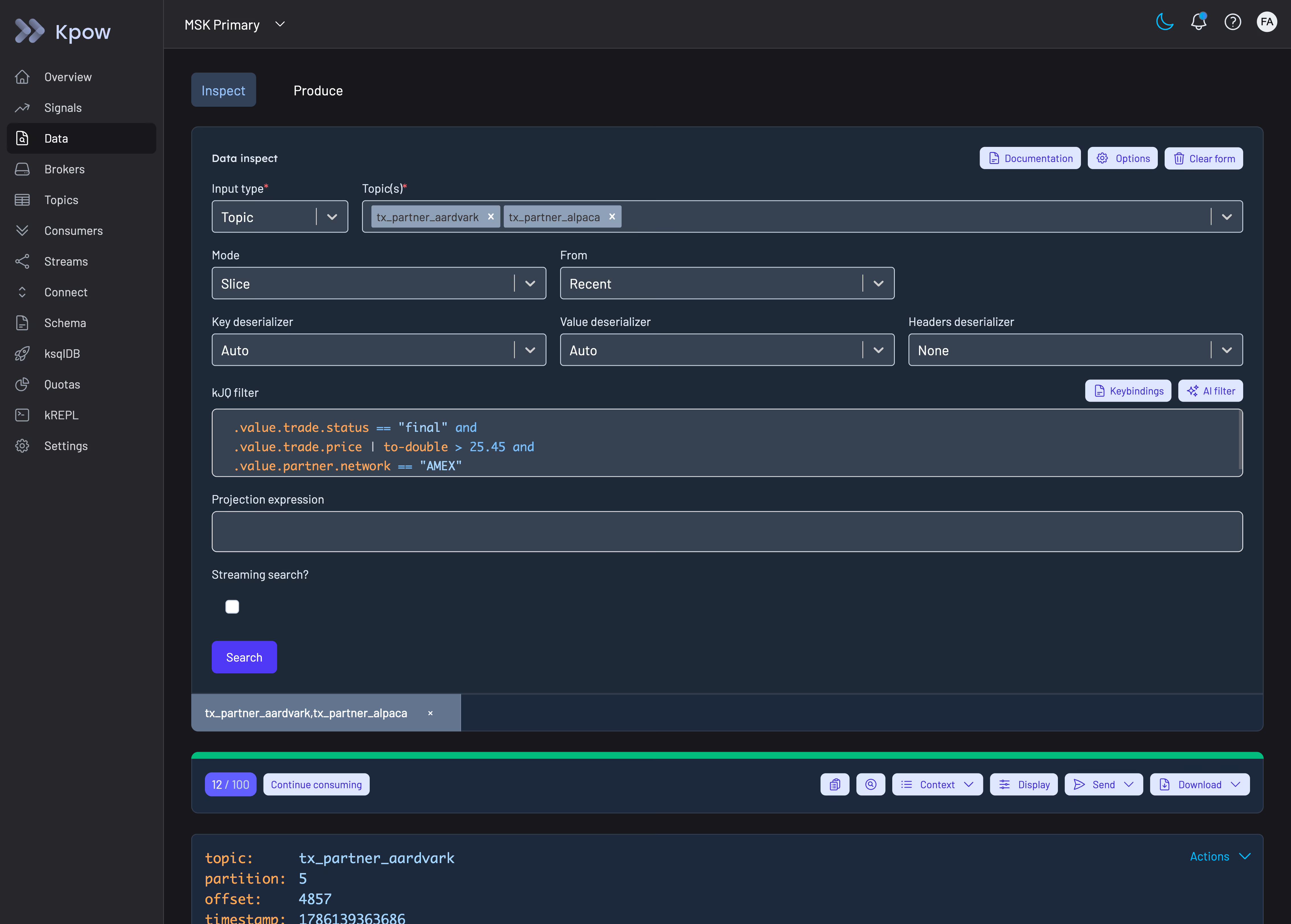
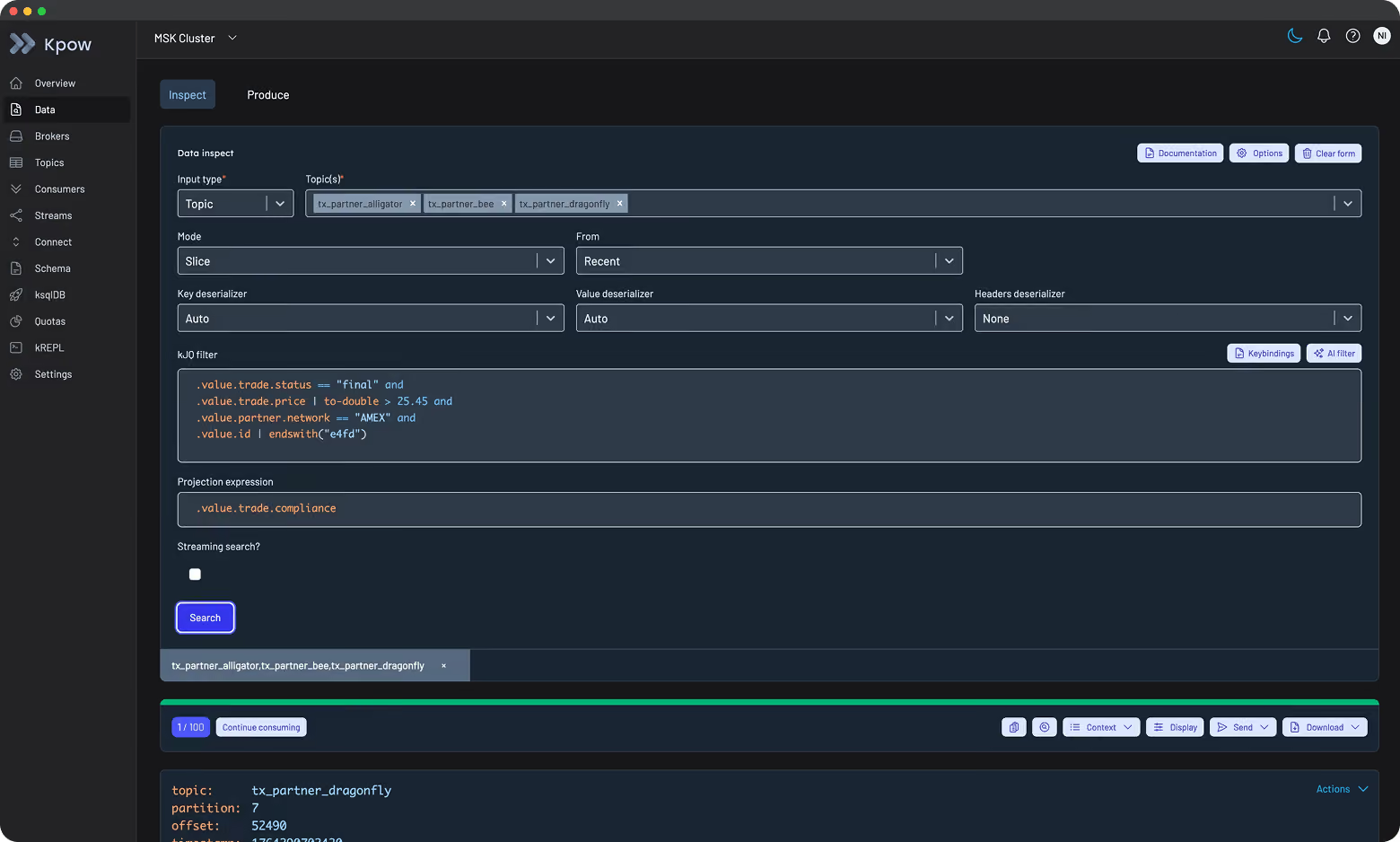
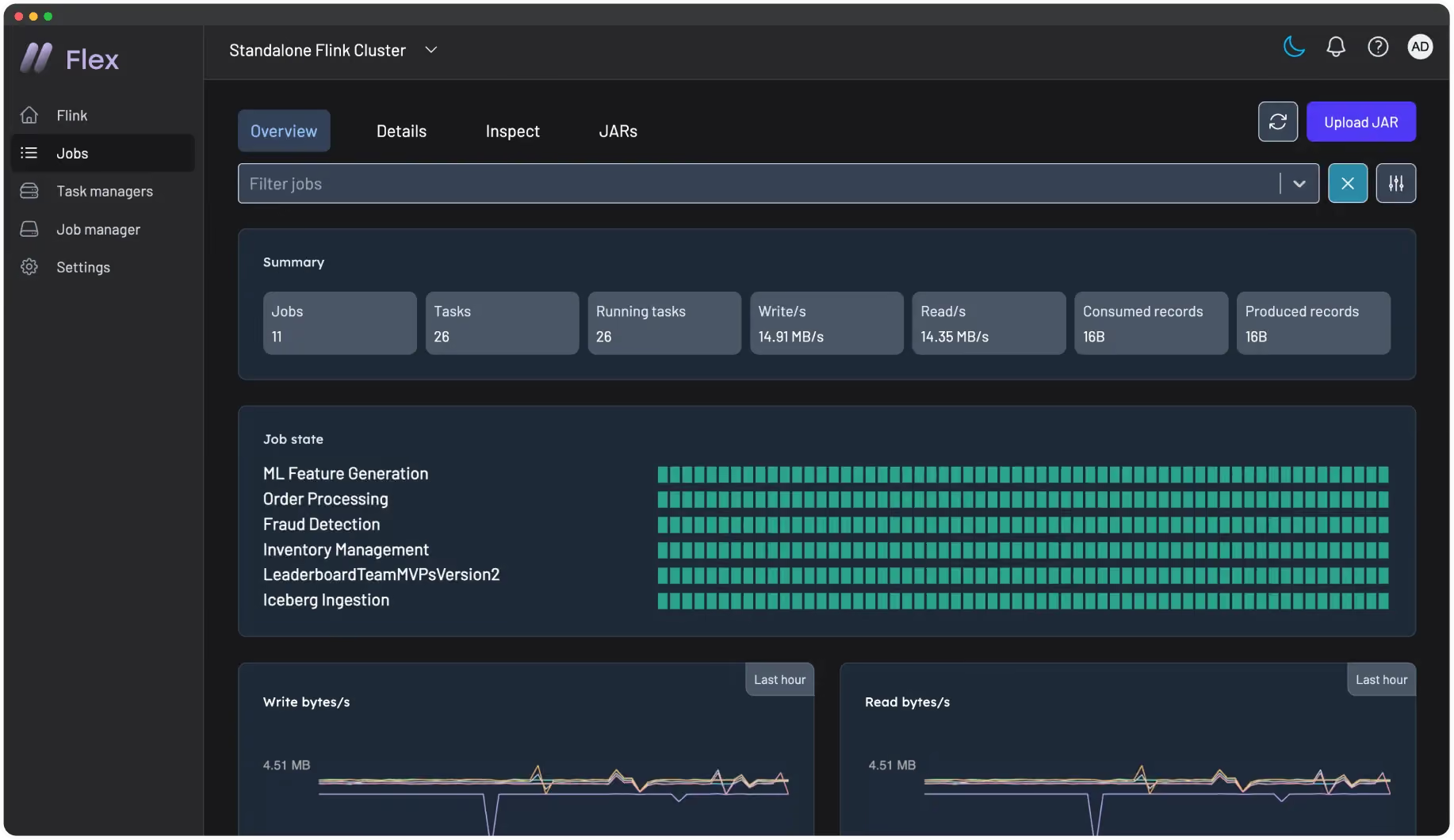
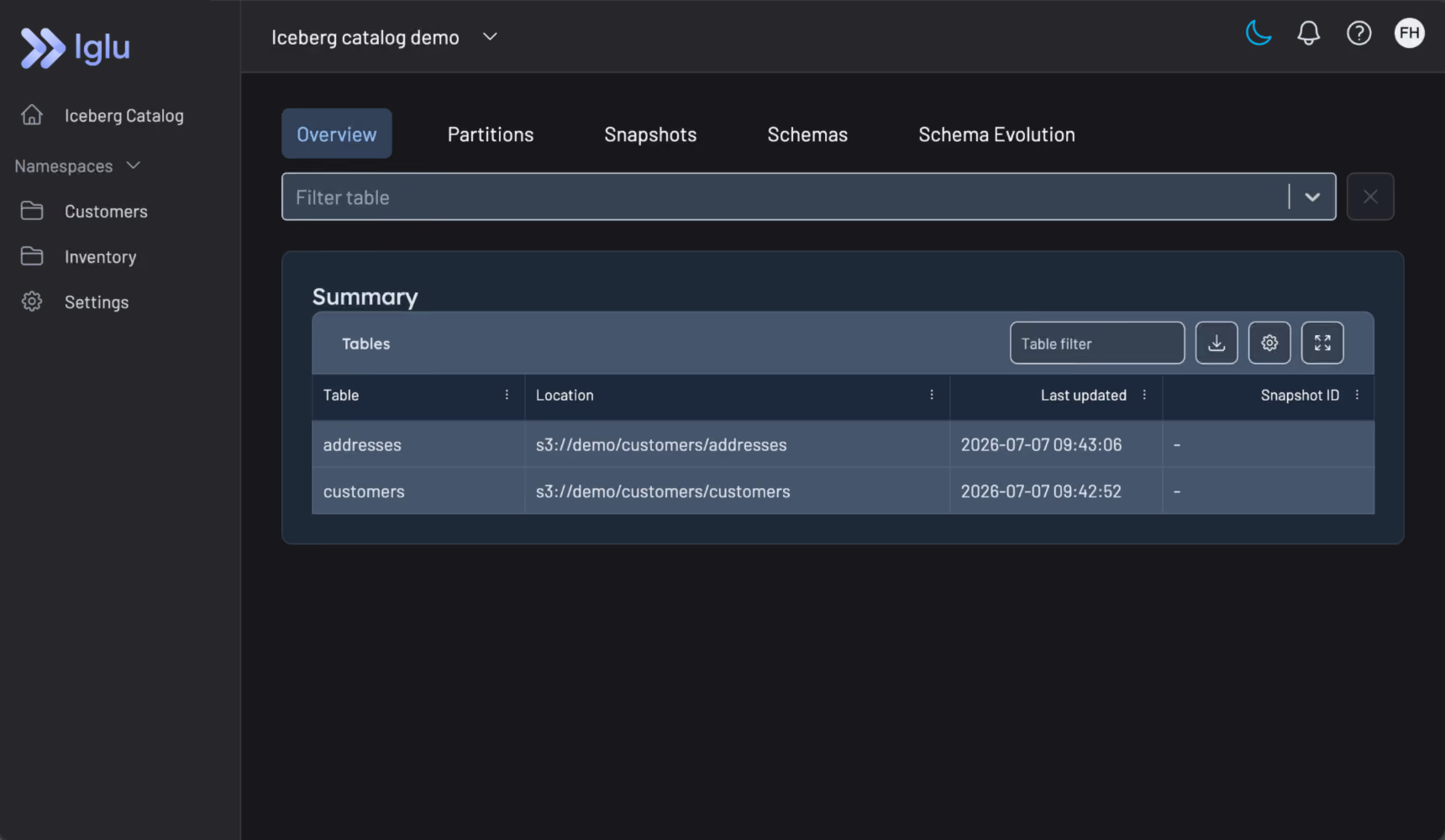
Powerful engineer-focused tooling for Kafka and Flink, enabling full observability and management of your streaming ecosystem.
Enterprise‑Ready by Design
Embedded enterprise features to scale with confidence. Retain control of security, governance, auditing, and access control.
Truly Flexible, Vendor-Agnostic
Our self-managed, flexible deployment model adapts to your streaming strategy and supports Kafka and Flink vendors like MSK, Confluent, Aiven, Ververica, and more.
Proven in Production
Trusted by Fortune 500 companies. Our blue-chip clientele relies on our tech to manage their transactions, fraud, logistics, and user experience.
Factor House Solutions
Discover our products
Equip your engineers with the tools they need to build real-time systems with confidence.
Powering engineers, dev ops and data teams with unmatched performance
50k
50k
50k
ENGINEERS EMPOWERED GLOBALLY
4M+
50k
4M+
Docker pulls
72%
50k
72%
FASTER access to Kafka & Flink insights
Governance and Compliance
Perform critical operations with certainty. Factor House products are designed for enterprise environments where governance, security, and auditable action are non-negotiable.
All Factor House products integrate seamlessly with Okta, OpenID, LDAP, SAML, Keycloak, HTTPS, and include Data Masking, Audit Logging, Prometheus end-points as standard. Accessibility is fully compliant with WCAG 2.1 AA standards.
Loved by engineers. Trusted by enterprises.
Engineering leaders trust Factor House to deliver reliable, scalable, and developer‑friendly solutions.
Chad Harris, Engineering Lead
“I am grateful for the empathy and passion the Factor House team has shown in partnering with Airwallex to better understand our pain points to help drive the evolution of this brilliant product.”
Alex Hilton, Chief of Staff-Technology
“Kpow is not only intuitive and user-friendly, but it also saves us time, and our developers like using it. If there's a problem with our Kafka system, there's no better way to track than with Kpow. If you know Kafka, you should know Kpow.”
"Kpow has improved how we communicate Kafka to the rest of the IT team and the business. It has helped us assess what we may need to do in the future and identify issues related to development and infrastructure standards. Deploying it in our ecosystem has given us much greater perspective about Kafka and how our whole system is operating at any given time. If I want to see anything in our cluster, I can now go to Kpow first."
Douglas Reith, Team Lead, Pepperstone
“Kpow is built by a team with a passion for Kafka, but who also carry the scars of some tough implementations. It's a tool by and for engineers, and offers our team the simplest, quickest, most cost‑effective way to access their data and works seamlessly with Amazon MSK. It will be a key part of our infrastructure as long as we're using Kafka.”
Euan Walker, CTO, Verrency
Resources
Developer Knowledge Center
Explore hands-on guides, product updates, and technical insights to get the most out of Kafka, Flink, and Factor House solutions.
Lorem ipsum dolor sit amet, consectetur adipiscing elit, sed do eiusmod tempor incididunt ut labore et dolore magna aliqua. Ut enim ad minim veniam, quis nostrud exercitation ullamco laboris nisi ut aliquip ex ea commodo consequat. Duis aute irure dolor in reprehenderit in voluptate velit esse cillum dolore eu fugiat nulla pariatur.
Unlock the full potential of your dedicated OCI Streaming with Apache Kafka cluster. This guide shows you how to integrate Kpow with your OCI brokers and self-hosted Kafka Connect and Schema Registry, unifying them into a single, developer-ready toolkit for complete visibility and control over your entire Kafka ecosystem.
When working with real-time data on Oracle Cloud Infrastructure (OCI), you have two powerful, Kafka-compatible streaming services to choose from:
OCI Streaming with Apache Kafka: A dedicated, managed service that gives you full control over your own Apache Kafka cluster.
OCI Streaming: A serverless, Kafka-compatible platform designed for effortless, scalable data ingestion.
Choosing the dedicated OCI Streaming with Apache Kafka service gives you maximum control and the complete functionality of open-source Kafka. However, this control comes with a trade-off: unlike some other managed platforms, OCI does not provide managed Kafka Connect or Schema Registry services, recommending users provision them on custom instances.
This guide will walk you through integrating Kpow with your OCI Kafka cluster, alongside self-hosted instances of Kafka Connect and Schema Registry. The result is a complete, developer-ready environment that provides full visibility and control over your entire Kafka ecosystem.
❗ Note on the serverless OCI Streaming service: While you can connect Kpow to OCI's serverless offering, its functionality is limited because some Kafka APIs are yet to be implemented. Our OCI provider documentation explains how to connect, and you can review the specific API gaps in the official Oracle documentation.
Before creating a Kafka cluster, you must set up the necessary network infrastructure within your OCI tenancy. The Kafka cluster itself is deployed directly into this network, and this setup is also what ensures that your client applications (like Kpow) can securely connect to the brokers.
A Virtual Cloud Network (VCN): The foundational network for your cloud resources.
A Subnet: A subdivision of your VCN where you will launch the Kafka cluster and client VM.
Security Rules: Ingress rules configured in a Security List or Network Security Group to allow traffic on the required ports. For this guide, which uses SASL/SCRAM, you must open port 9092. If you were using mTLS, you would open port 9093.
Create a Vault Secret
OCI Kafka leverages the OCI Vault service to securely manage the credentials used for SASL/SCRAM authentication.
First, create a Vault in your desired compartment. Inside that Vault, create a new Secret with the following JSON content, replacing the placeholder values with your desired username and a strong password.
To allow OCI to manage your Kafka cluster and its associated network resources, you must create several IAM policies. These policies grant permissions to both user groups (for administrative actions) and the Kafka service principal (for operational tasks).
With the prerequisites in place, you can now create your Kafka cluster from the OCI console.
Navigate to Developer Services > Application Integration > OCI Streaming with Apache Kafka.
Click Create cluster and follow the wizard:
Cluster settings: Provide a name, select your compartment, and choose a Kafka version (e.g., 3.7).
Broker settings: Choose the number of brokers, the OCPU count per broker, and the block volume storage per broker.
Cluster configuration: OCI creates a default configuration for the cluster. You can review and edit its properties here. For this guide, add auto.create.topics.enable=true to the default configuration. Note that after creation, the cluster's configuration can only be changed using the OCI CLI or SDK.
Security settings: This section is for configuring Mutual TLS (mTLS). Since this guide uses SASL/SCRAM, leave this section blank. We will configure security after the cluster is created.
Networking: Choose the VCN and subnet you configured in the prerequisites.
Review your settings and click Create. OCI will begin provisioning your dedicated Kafka cluster.
Once the cluster's status becomes Active, select it from the cluster list page to view its details.
From the details page, select the Actions menu and then select Update SASL SCRAM.
In the Update SASL SCRAM panel, select the Vault and the Secret that contain your secure credentials.
Select Update.
After the update is complete, return to the Cluster Information section and copy the Bootstrap Servers endpoint for SASL-SCRAM. You will need this for the next steps.
Launch a Client VM
We need a virtual machine to host Kpow, Kafka Connect, and Schema Registry. This VM must have network access to the Kafka cluster.
In the "Add SSH keys" section, choose the option to "Generate a key pair for me" and click the "Save Private Key" button. This is your only chance to download this key, which is required for SSH access.
Configure Networking: During the instance creation, configure the networking as follows:
Placement: Assign the instance to the same VCN as your Kafka cluster, in a subnet that can reach your Kafka brokers.
Kpow UI Access: Ensure the subnet's security rules allow inbound TCP traffic on port 3000. This opens the port for the Kpow web interface.
Internet Access: The instance needs outbound access to pull the Kpow Docker image.
Simple Setup: For development, place the instance in a public subnet with an Internet Gateway.
Secure (Production): We recommend using a private subnet with a NAT Gateway. This allows outbound connections without exposing the instance to inbound internet traffic.
Connect and Install Docker: Once the VM is in the "Running" state, use the private key you saved to SSH into its public or private IP address and install Docker.
Deploying Kpow with Supporting Instances
On your client VM, we will use Docker Compose to launch Kpow, Kafka Connect, and Schema Registry.
First, create a setup script to prepare the environment. This script downloads the MSK Data Generator (a useful source connector for creating sample data) and sets up the JAAS configuration files required for Schema Registry's basic authentication.
Next, create a `docker-compose.yml` file. This defines our three services. Be sure to replace the placeholder values (<BOOTSTRAP_SERVER_ADDRESS>, <VAULT_USERNAME>, <VAULT_PASSWORD>) with your specific OCI Kafka details.
Finally, create a license.env file with your Kpow license details. Then, run the setup script and launch the services:
chmod +x setup.sh
bash setup.sh && docker-compose up -d
Kpow will now be accessible at http://<vm-ip-address>:3000. You will see an overview of your OCI Kafka cluster, including your self-hosted Kafka Connect and Schema Registry instances.
Deploy Kafka Connector
Now let's deploy a connector to generate some data.
In the Connect menu of the Kpow UI, click the Create connector button.
Among the available connectors, select GenerateSourceConnector, which is the source connector that generates fake order records.
Save the following configuration to a Json file, then import it and click Create. This configuration tells the connector to generate order data, use Avro for the value, and apply several Single Message Transforms (SMTs) to shape the final message.
Once deployed, you can see the running connector and its task in the Kpow UI.
In the Schema menu, you can verify that a new value schema (orders-value) has been registered for the orders topic.
Finally, navigate to Data > Inspect, select the orders topic, and click Search to see the streaming data produced by your new connector.
Conclusion
You have now successfully integrated Kpow with OCI Streaming with Apache Kafka, providing a complete, self-hosted streaming stack on Oracle's powerful cloud infrastructure. By deploying Kafka Connect and Schema Registry alongside your cluster, you have a fully-featured, production-ready environment.
With Kpow, you have gained end-to-end visibility and control, from monitoring broker health and consumer lag to managing schemas, connectors, and inspecting live data streams. This empowers your team to develop, debug, and operate your Kafka-based applications with confidence.
The unified Factor House Community License works with both Kpow Community Edition and Flex Community Edition, meaning one license will unlock both products. This makes it even simpler to explore modern data streaming tools, create proof-of-concepts, and evaluate our products.
The new unified Factor House Community License works with both Kpow Community Edition and Flex Community Edition, so you only need one license to unlock both products. This makes it even simpler to explore modern data streaming tools, create proof-of-concepts, and evaluate our products.
What's changing
Previously, we issued separate community licenses for Kpow and Flex, with different tiers for individuals and organisations. Now, there's just one single Community License that unlocks both products.
What's new:
One license for both products
Three environments for everyone - whether you're an individual developer or part of a team, you get three non-production installations per product
Simplified management - access and renew your licenses through our new self-service portal at account.factorhouse.io
Our commitment to the engineering community
Since first launching Kpow CE at Current '22, thousands of engineers have used our community licenses to learn Kafka and Flink without jumping through enterprise procurement hoops. This unified license keeps that same philosophy: high-quality tools that are free for non-production use.
The Factor House Community License is free for individuals and organizations to use in non-production environments. It's perfect for:
New users: Head to account.factorhouse.io to grab your free Community license. You'll receive instant access via magic link authentication.
Existing users: Your legacy Kpow and Flex Community licenses will continue to work and are now visible in the portal. When your license renews (after 12 months), consider switching to the unified model for easier management.
What's included
Both Kpow CE and Flex CE include most enterprise features, optimized for learning and testing. Includes Kafka and Flink monitoring and management, fast multi-topic search, and Schema registry and Kafka Connect support.
License duration: 12 months, renewable annually
Installations: Up to 3 per product (Kpow CE: 1 Kafka cluster + 1 Schema Registry + 1 Connect cluster per installation; Flex CE: 1 Flink cluster per installation)
Support: Self-service via Factor House Community Slack, documentation, and release notes
Deployment: Docker, Docker Compose or Kubernetes
Ready for production? Start a 30-day free trial of our Enterprise editions directly from the portal to unlock RBAC, Kafka Streams monitoring, custom SerDes, and dedicated support.
What about legacy licenses?
If you're currently using a Kpow Individual, Kpow Organization, or Flex Community license, nothing changes immediately. Your existing licenses will continue to work with their respective products and are now accessible in the portal. When your license expires at the end of its 12-month term, you can easily switch to the new unified license for simpler management.
Lorem ipsum dolor sit amet, consectetur adipiscing elit, sed do eiusmod tempor incididunt ut labore et dolore magna aliqua. Ut enim ad minim veniam, quis nostrud exercitation ullamco laboris nisi ut aliquip ex ea commodo consequat. Duis aute irure dolor in reprehenderit in voluptate velit esse cillum dolore eu fugiat nulla pariatur.
95.1 delivers a cohesive experience across Factor House products, licensing, and brand. This release introduces our new license portal, refreshed company-wide branding, a unified Community License for Kpow and Flex, and a series of performance, accessibility, and schema-related improvements.
Upgrading to 95.1 If you are using Kpow with a Google Managed Service for Apache Kafka (Google MSAK) cluster, you will now need to use either kpow-java17-gcp-standalone.jar or the 95.1-temurin-ubi tag of the factorhouse/kpow Docker image.
New Factor House brand: unified look across web, product, and docs
We've refreshed the Factor House brand across our website, documentation, the new license portal, and products to reflect where we are today: a company trusted by engineers running some of the world's most demanding data pipelines. Following our seed funding earlier this year, we've been scaling the team and product offerings to match the quality and value we deliver to enterprise engineers. The new brand brings our external presence in line with what we've built. You'll see updated logos in Kpow and Flex, refreshed styling across docs and the license portal, and a completely redesigned website with clearer navigation and information architecture. Your workflows stay exactly the same, and the result is better consistency across all touchpoints, making it easier for new users to evaluate our tools and for existing users to find what they need.
New license portal: self-service access for all users
We've rolled out our new license portal at account.factorhouse.io, to streamline license management for everyone. New users can instantly grab a Community or Trial license with just their email address, and existing users will see their migrated licenses when they log in. The portal lets you manage multiple licenses from one account, all through a clean, modern interface with magic link authentication. This could be upgrading from Community to a Trial, renewing your annual Community License, or requesting a trial extension. For installation and configuration guidance, check our Kpow and Flex docs.
We've consolidated our Community licensing into a single unified license that works with both Kpow Community Edition and Flex Community Edition. Your Community license allows you to run Kpow and Flex in up to three non-production environments each, making it easier to learn, test, and build with Kafka and Flink. The new licence streamlines management, providing a single key for both products and annual renewal via the licence portal. Perfect for exploring projects like Factor House Local or building your own data pipelines. Existing legacy licenses will continue to work and will also be accessible in the license portal.
This release brings in a number of performance improvements to Kpow, Flex and Factor Platform. The work to compute and materialize views and insights about your Kafka or Flink resources has now been decreased by an order of magnitude. For our top-end customers we have observed a 70% performance increase in Kpow’s materialization.
Data Inspect enhancements
Confluent Data Rules support: Data inspect now supports Confluent Schema Registry Data Rules, including CEL, CEL_FIELD, and JSONata rule types. If you're using Data Contracts in Confluent Cloud, Data Inspect now accurately identifies rule failures and lets you filter them with kJQ.
Support for Avro Primitive Types: We’ve added support for Avro schemas that consist of a plain primitive type, including string, number, and boolean.
Schema Registry & navigation improvements
General Schema Registry improvements (from 94.6): In 94.6, we introduced improvements to Schema Registry performance and updated the observation engine. This release continues that work, with additional refinements based on real-world usage.
Karapace compatibility fix: We identified and fixed a regression in the new observation engine that affected Karapace users.
Redpanda Schema Registry note: The new observation engine is not compatible with Redpanda’s Schema Registry. Customers using Redpanda should set `OBSERVATION_VERSION=1` until full support is available.
Navigation improvements: Filters on the Schema Overview pages now persist when navigating into a subject and back.
Chart accessibility & UX improvements
This release brings a meaningful accessibility improvement to Kpow & Flex: Keyboard navigation for line charts. Users can now focus a line chart and use the left and right arrow keys to view data point tooltips. We plan to expand accessibility for charts to include bar charts and tree maps in the near future, bringing us closer to full WCAG 2.1 Level AA compliance as reported in our Voluntary Product Accessibility Template (VPAT).
We’ve also improved the UX of comparing adjacent line charts: Each series is now consistently coloured across different line charts on a page, making it easier to identify trends across a series, e.g., a particular topic’s producer write/s vs. consumer read/s.
These changes benefit everyone: developers using assistive technology, teams with accessibility requirements, and anyone who prefers keyboard navigation. Accessibility isn't an afterthought, it's a baseline expectation for enterprise-grade tooling, and we're committed to leading by example in the Kafka and Flink ecosystem.