One pane for every Kafka distribution
Connect Amazon MSK, Confluent, Redpanda, self-managed Kafka, and nine more providers from a single Kpow instance, with no proxy and no vendor lock-in.
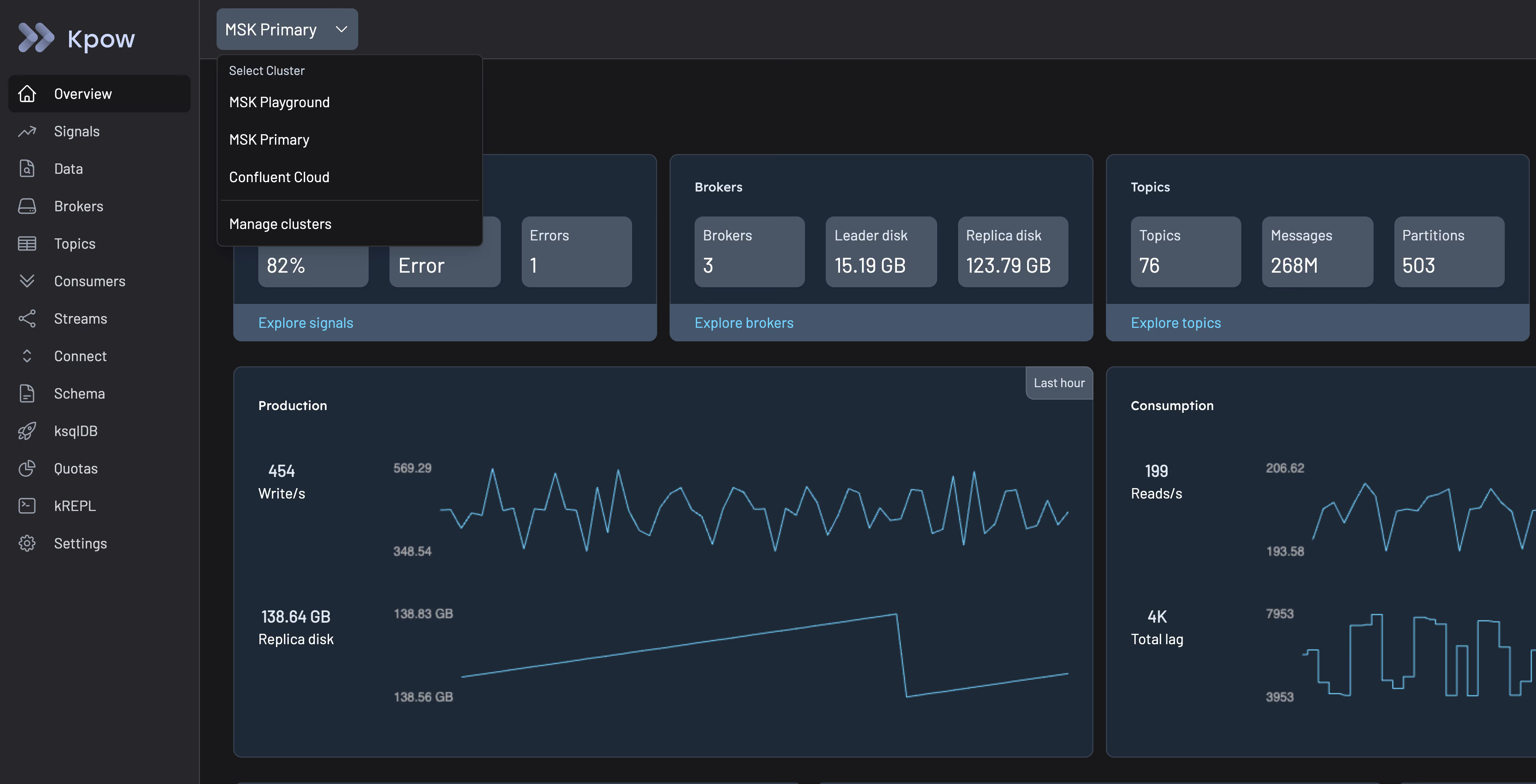
Most platform teams don't run one Kafka distribution
They run MSK in one environment, Confluent in another, and self-managed clusters somewhere in between, each with its own console, its own quirks, and no shared view across any of them.
Manage every Kafka cluster from one instance
Every major Kafka distribution, one interface
Kpow connects to any Kafka-compatible broker, the same way, regardless of who runs it.
- Fully managed: Confluent Cloud, Amazon MSK, Google Managed Service for Apache Kafka, Aiven, Instaclustr Platform, StreamNative, WarpStream
- Self-managed and platform: self-managed Apache Kafka, Confluent Platform, Redpanda, Strimzi, Bufstream, OCI Streaming







Multi-cluster from a single instance
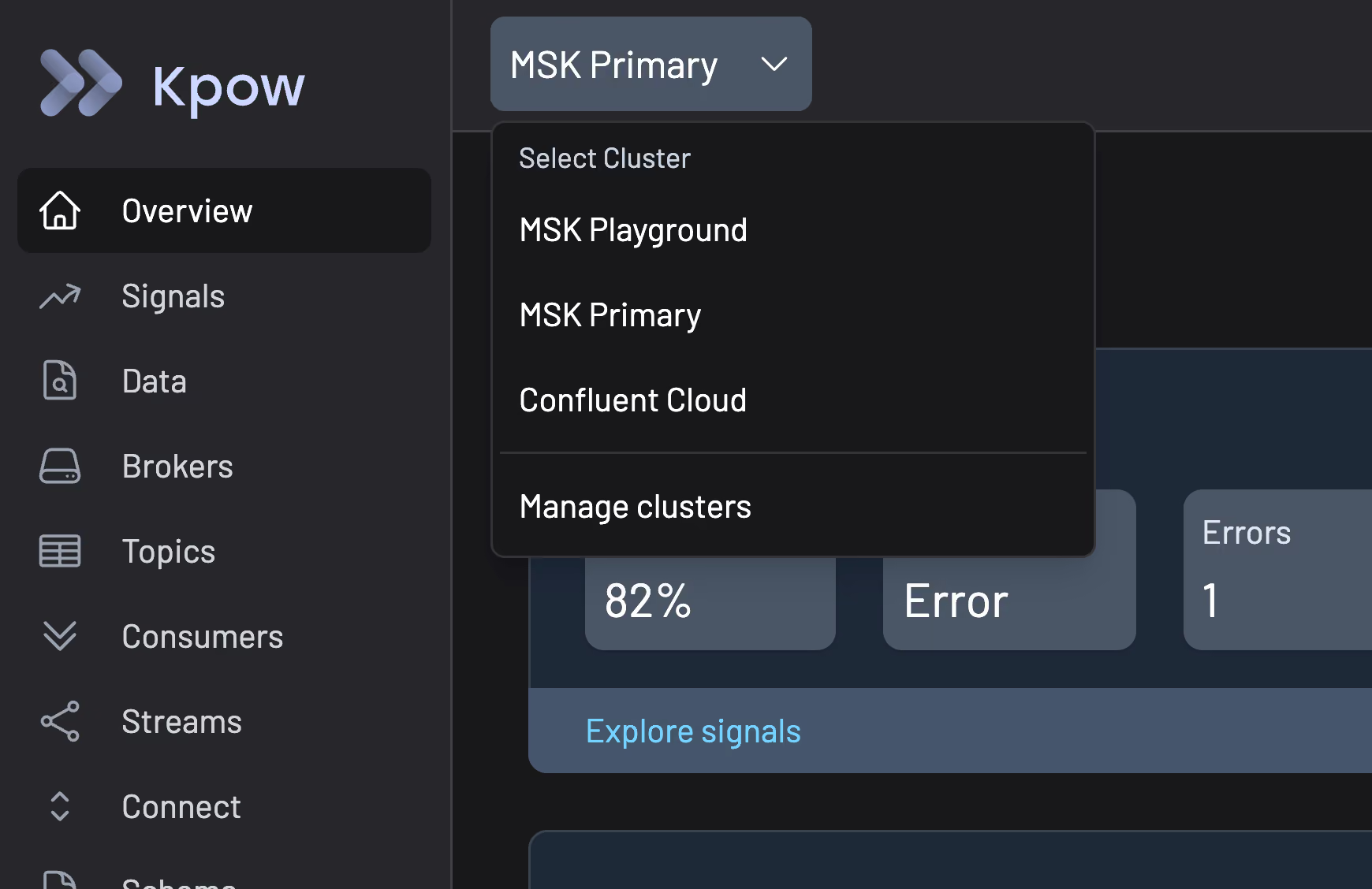
One Kpow instance manages up to 12 Kafka clusters, each configured independently with its own connection details, Kafka Connect, schema registry, and ksqlDB instances.
- Add a cluster by repeating the connection config with a _2, _3, _4 suffix
- Switch between clusters directly in the Kpow UI, no separate login or console
Stateless architecture, no lock-in
Kpow has no external database, no proxy layer, and no additional infrastructure to maintain. It connects directly to your Kafka cluster, so switching providers means changing a connection string, not re-architecting your tooling.
Same governance everywhere
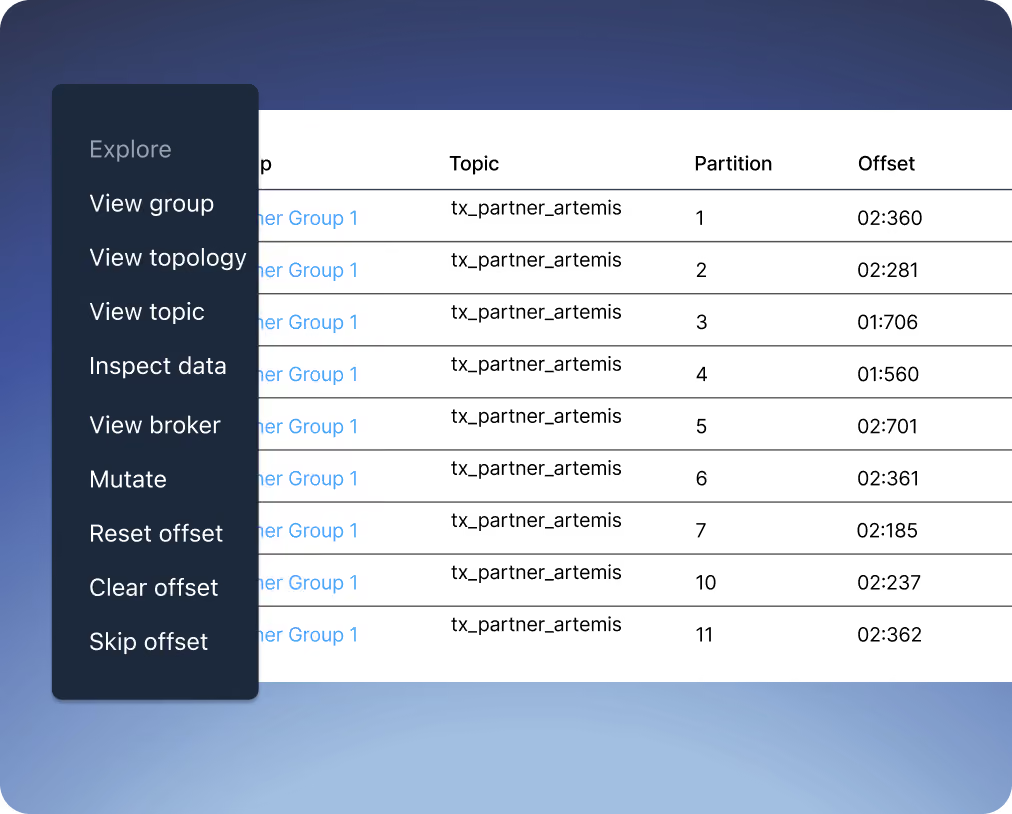
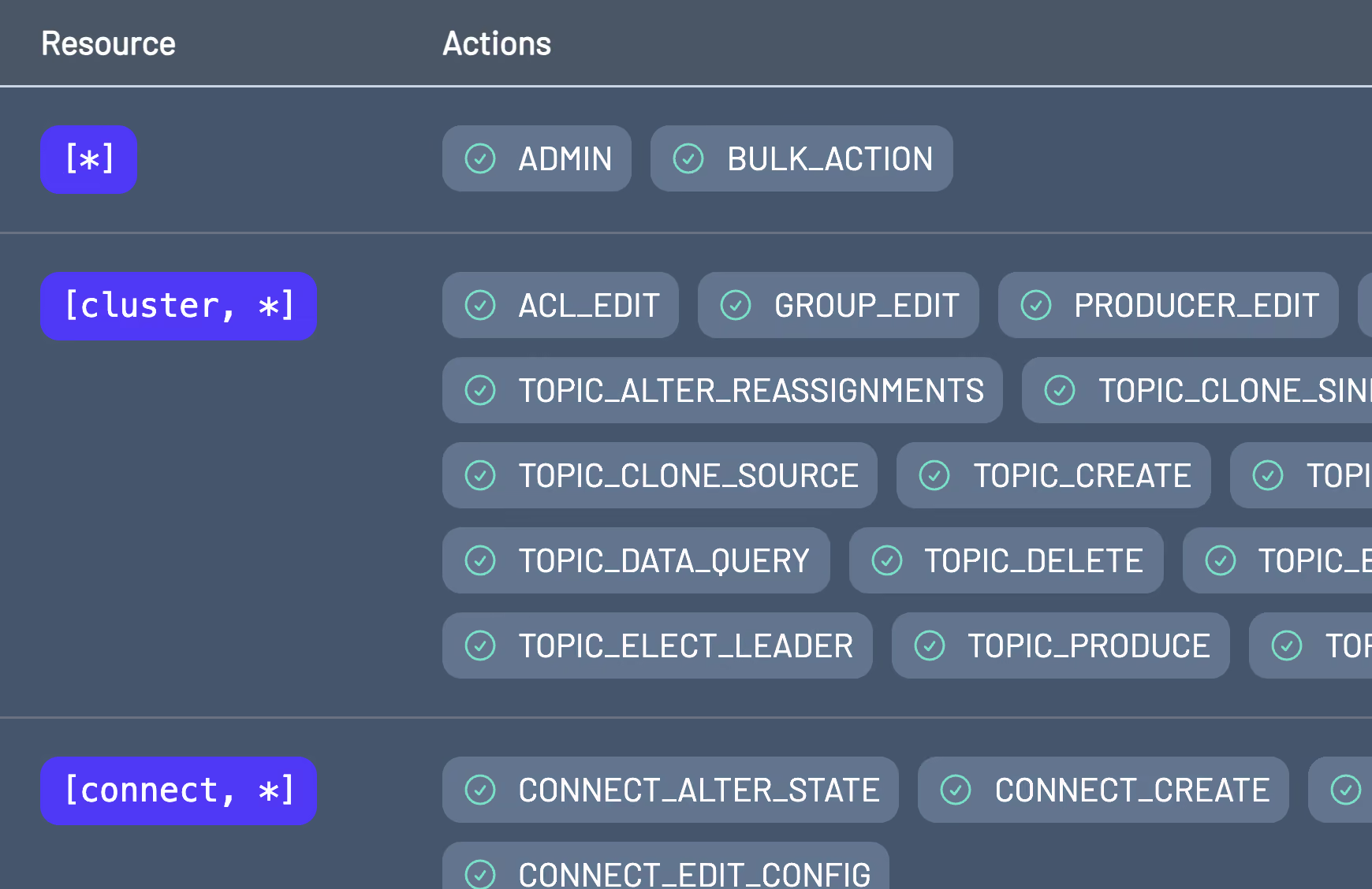
RBAC, data masking, and audit logging apply the same way regardless of which Kafka distribution a cluster runs on.
- One set of roles and policies across MSK, Confluent, Redpanda, or anything else you connect
- One audit log across every cluster, not one per vendor console
Questions about multi-cluster management
If you don't see your question here, ask us directly.
Ask a questionAny Kafka-compatible broker: Apache Kafka, Confluent Cloud and Platform, Amazon MSK, Google Managed Service for Apache Kafka, Redpanda, Aiven, Instaclustr Platform, StreamNative, WarpStream, Strimzi, Bufstream, and OCI Streaming.
Up to 12, each with its own connection configuration, Kafka Connect, schema registry, and ksqlDB instances.
Deploy another Kpow instance. Enterprise has no cap on total cluster count: you pay per cluster you connect, and the 12-cluster limit is a per-instance technical ceiling, not a licensing one.
No. Kpow connects directly to your cluster with no proxy or external database, so switching providers is a connection-string change, not a rebuild.
Community Edition covers up to 3 clusters. Enterprise removes that limit.
Yes. RBAC, data masking, and audit logging apply identically whichever Kafka distribution a given cluster runs on.
Further reading on Kafka cluster management
Start monitoring your Kafka clusters in minutes
- 1
Get a license key
Fill out the form and we'll email you a license key.
- 2
Deploy your way
Run Kpow via Docker, Kubernetes, or a standalone JAR, whichever fits your environment.
- 3
Start monitoring
Point Kpow at your cluster to see brokers, topics, and consumer groups.