Search and filter every Kafka message
Streaming search, kJQ filters, AI-powered filtering, and automatic schema deserialization, so you can find and act on any message without writing a consumer.
Finding one message shouldn't mean writing a consumer
On a live Kafka cluster, that usually means decoding Avro or Protobuf by hand and piecing together output from kafka-console-consumer and whatever dashboard happens to be open. Every engineer on the team ends up solving this the same way, separately, every time.
Search, filter, and act on Kafka messages
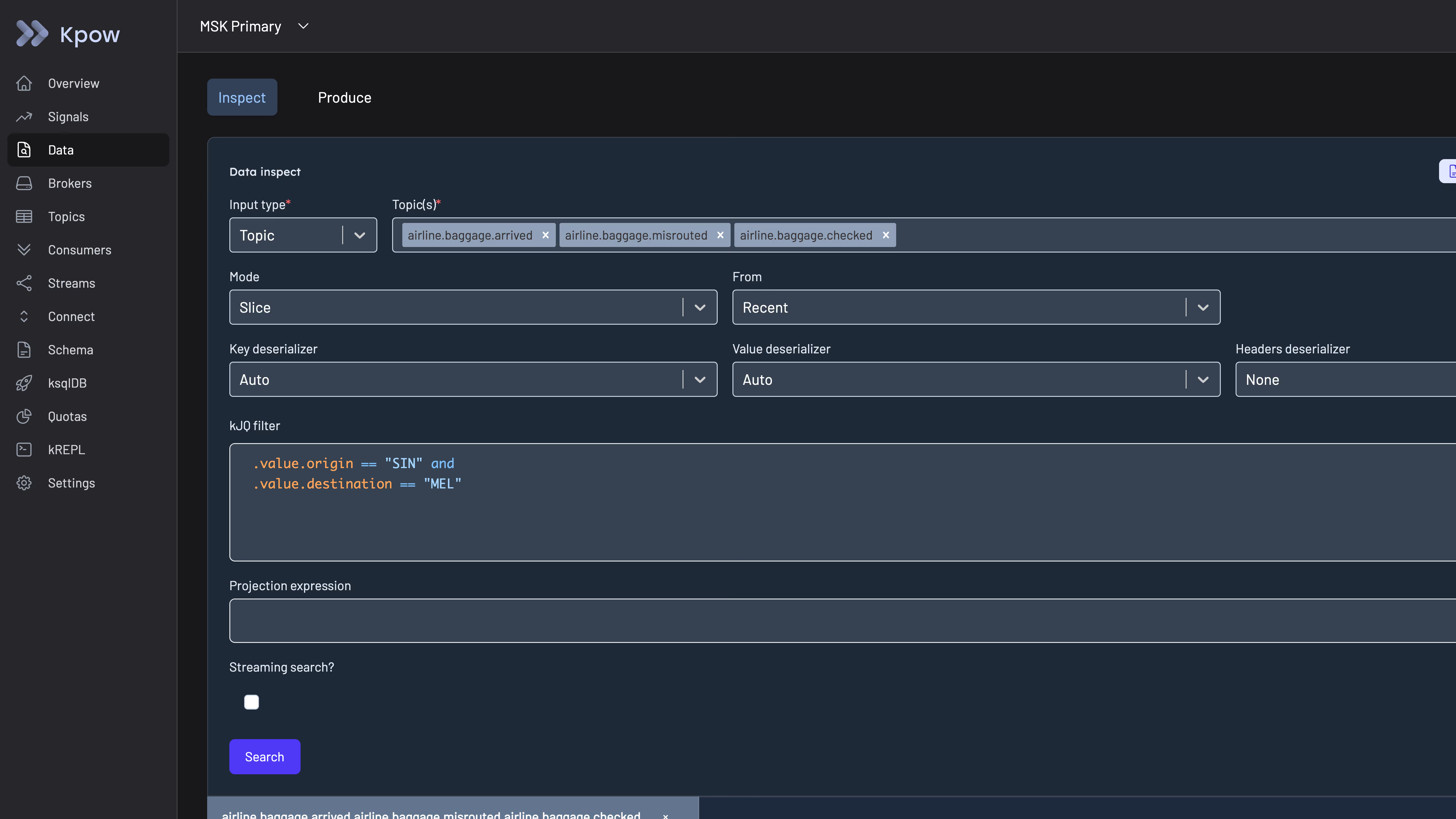
Multi-topic streaming search
Regex and grouped views scan millions of messages in seconds, across one topic or many. Stream results live as new messages arrive, instead of re-running the search.
- Search by key, value, or header across a single topic or every topic at once
- Grouped views collapse repeated message shapes so you scan patterns, not lines
- Live mode streams new matches into the result set in real time
kJQ filters
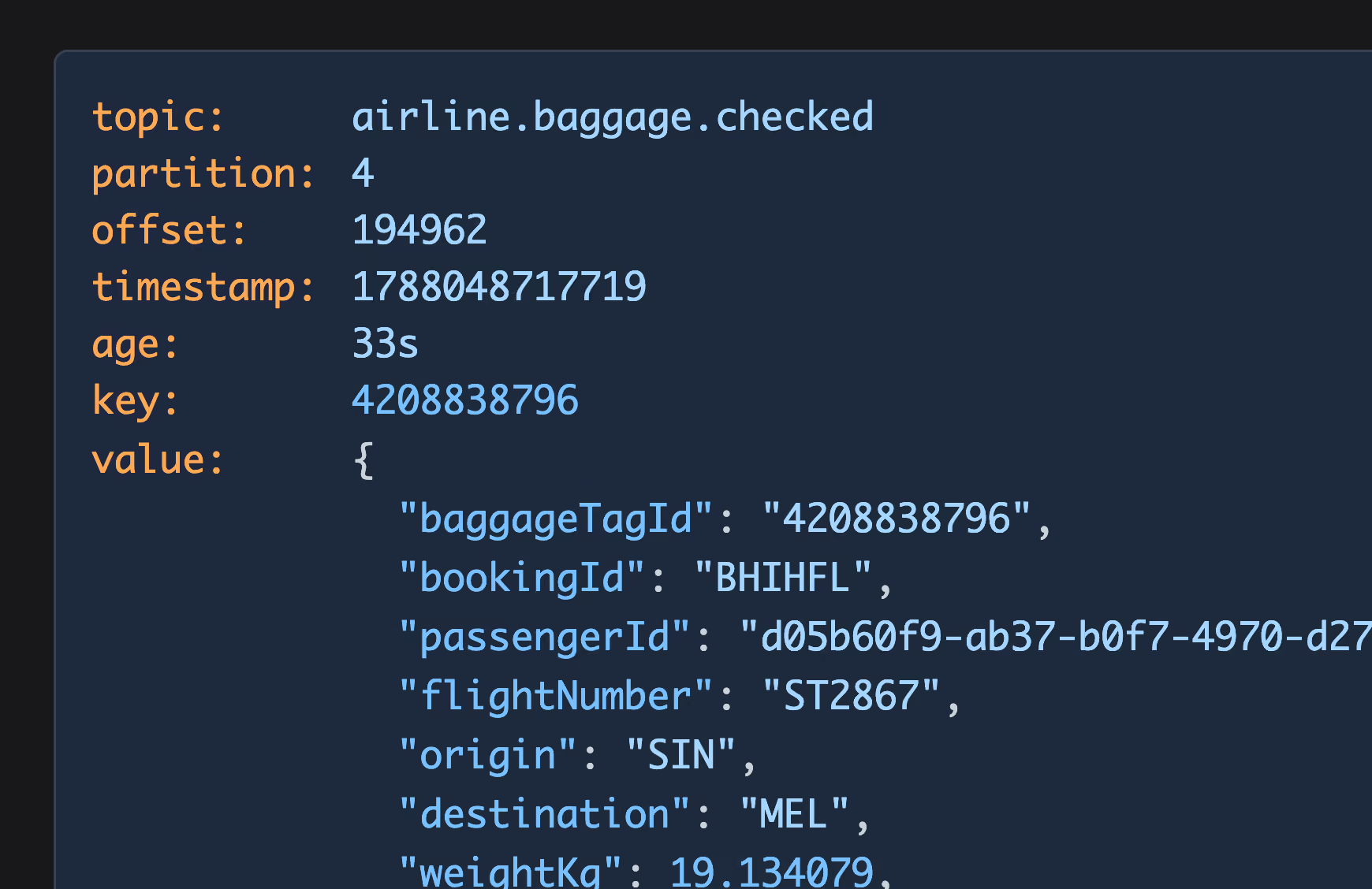
Kpow ships a built-in query language, kJQ, for filtering messages by content instead of scrolling through raw output.
- Filter on any field inside the decoded message, not just key or offset
- Combine filters to narrow a multi-million-message topic to the handful that matter
- Reuse the same filter syntax whether you're searching one topic or many
AI-powered filtering
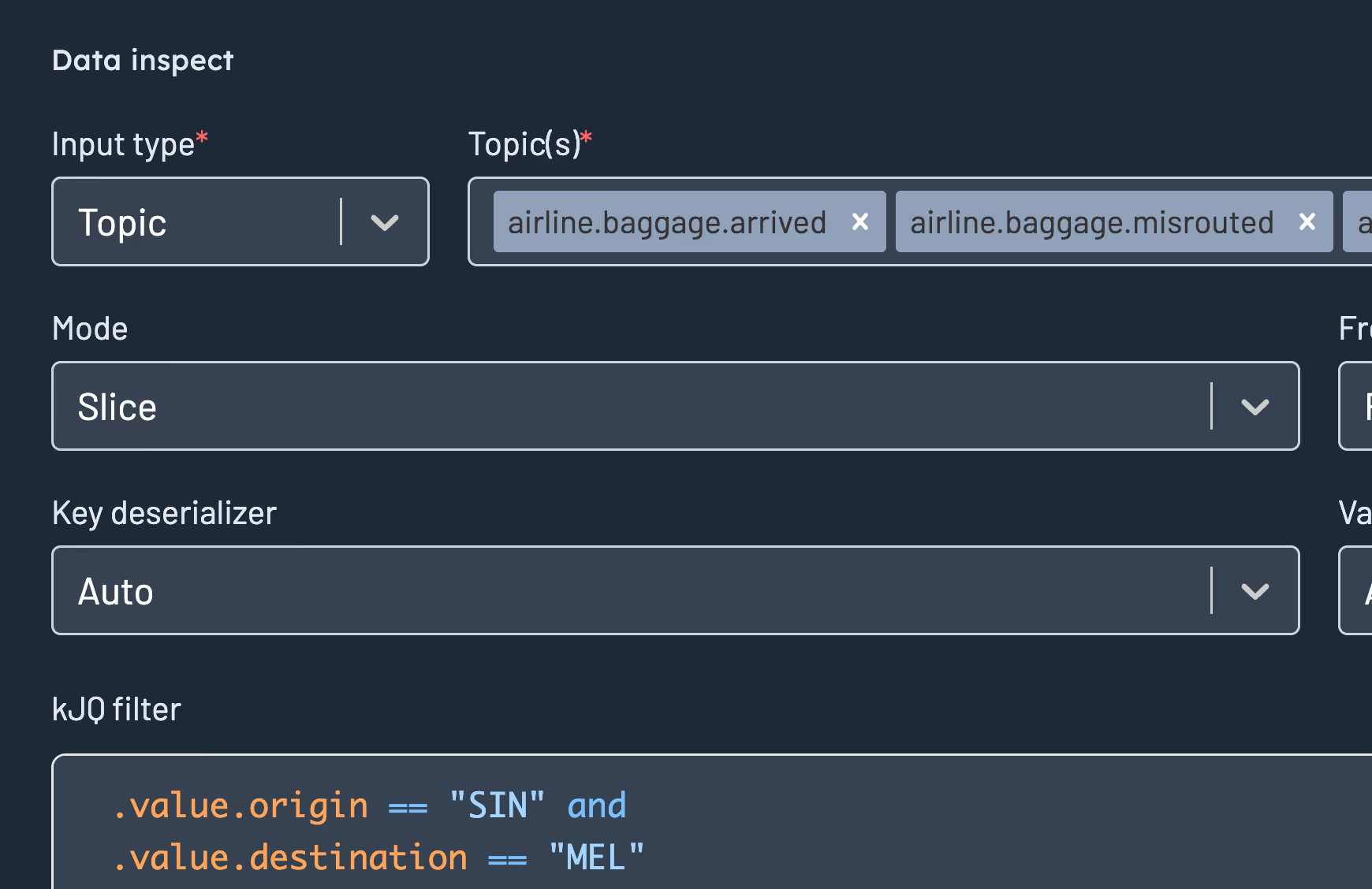
Describe what you're looking for in plain English, and Kpow generates a syntactically correct, schema-aware kJQ filter, instead of you writing one by hand.
- Bring your own model: AWS Bedrock, Azure OpenAI, OpenAI, Anthropic, or Ollama
- Generated filters are validated against Kpow's kJQ engine before you run them, then you can execute, edit, or save them
- Fully opt-in: no AI functionality is exposed until you configure a provider
Automatic deserialization
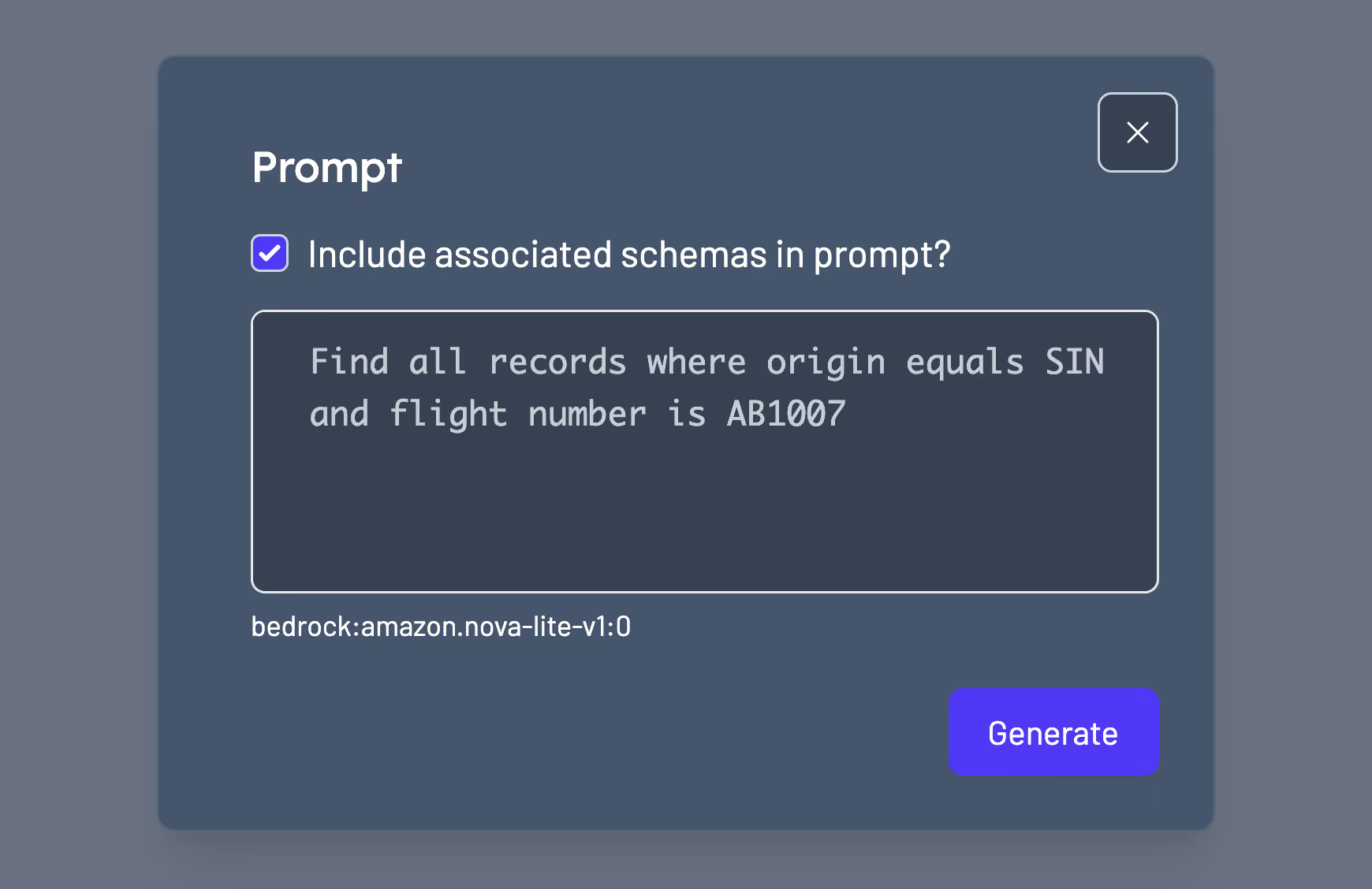
Avro, Protobuf, and JSON Schema decode automatically, alongside every standard serde. Set a topic's deserializer to Auto and Kpow infers the data format itself, so you can inspect an unfamiliar or mixed-format topic without knowing its schema first.
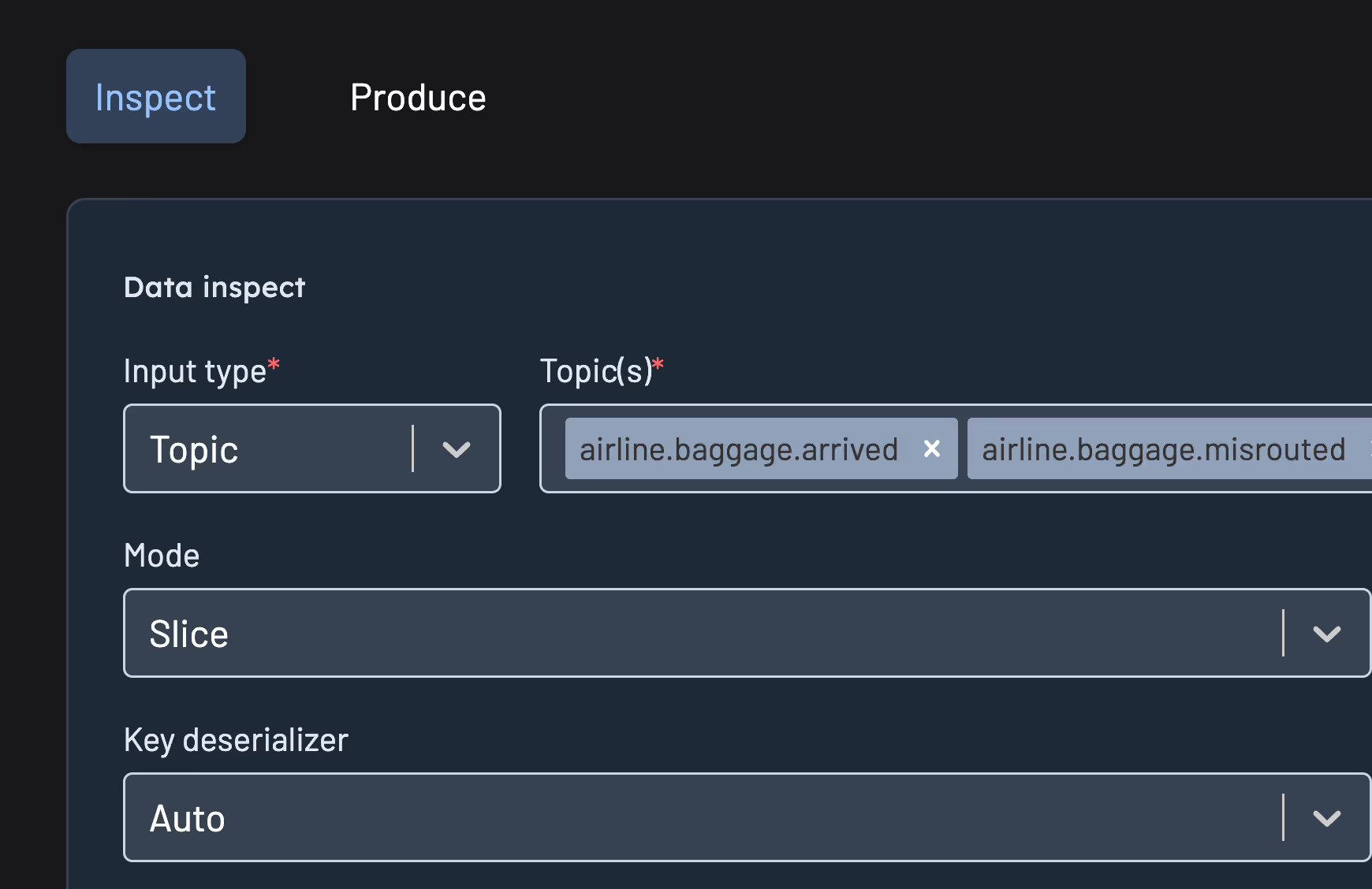
Produce, export, and reproduce
Act on what you find instead of just reading it.
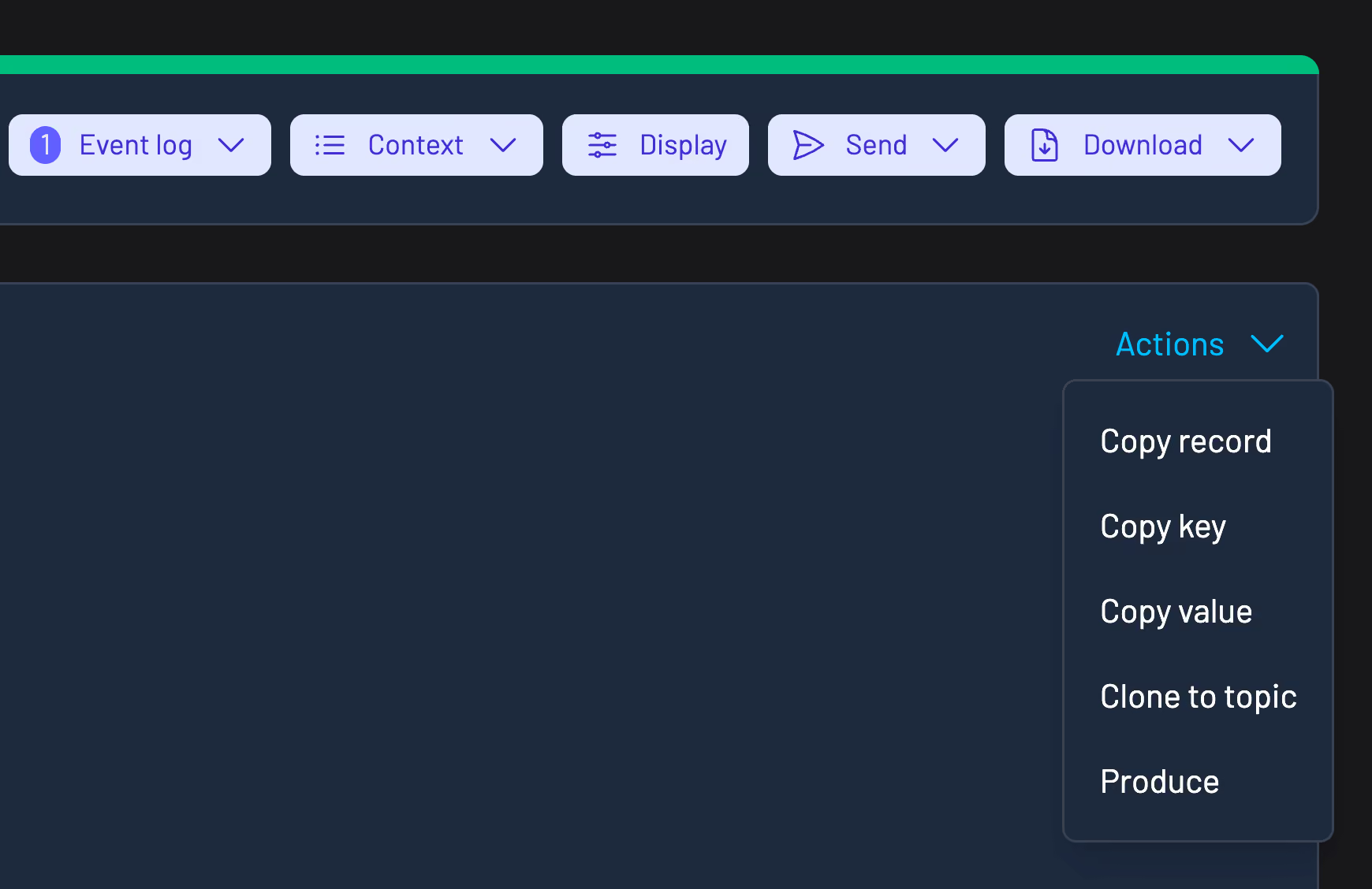
- Send messages directly to a topic, including batch import
- Edit an existing message before reproducing it
- Export search results, copy to clipboard, or produce straight to a different topic
Questions about topic search
If you don't see your question here, ask us directly.
Ask a questionkJQ is Kpow's built-in query language for filtering Kafka messages by content. It works across a single topic or many, without writing a consumer.
Avro, Protobuf, and JSON Schema, alongside every standard serde. Messages appear as structured, readable data as soon as you open a topic.
Yes. Multi-topic search scans across one topic or many at once, with regex and grouped views built in.
Yes. Streaming search shows new matches as messages arrive, instead of requiring you to re-run the query.
Yes. You can edit an existing message and reproduce it, or produce new messages directly to a topic, including batch import.
Yes. Community Edition covers topic search and inspection for up to 3 clusters and 10 users, free.
Start monitoring your Kafka clusters in minutes
- 1
Get a license key
Fill out the form and we'll email you a license key.
- 2
Deploy your way
Run Kpow via Docker, Kubernetes, or a standalone JAR, whichever fits your environment.
- 3
Start monitoring
Point Kpow at your cluster to see brokers, topics, and consumer groups.