Integrate Kpow with Redpanda Streaming Platform
How-toOverview
Redpanda offers a simple, powerful, and Kafka®-compatible streaming data platform. However, as your real-time data pipelines scale, maintaining deep observability and control over your topics, schemas, and consumer groups becomes essential.
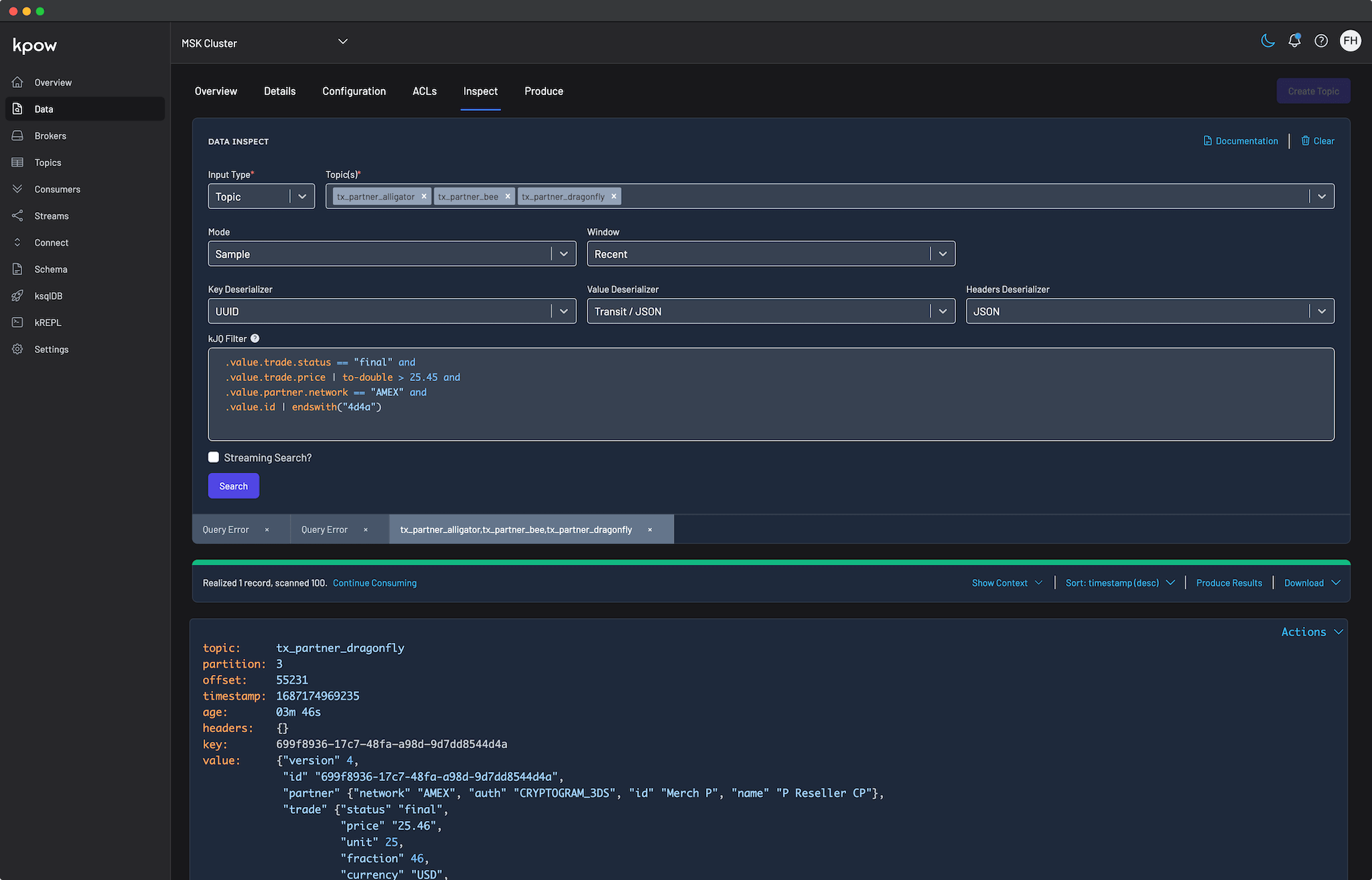
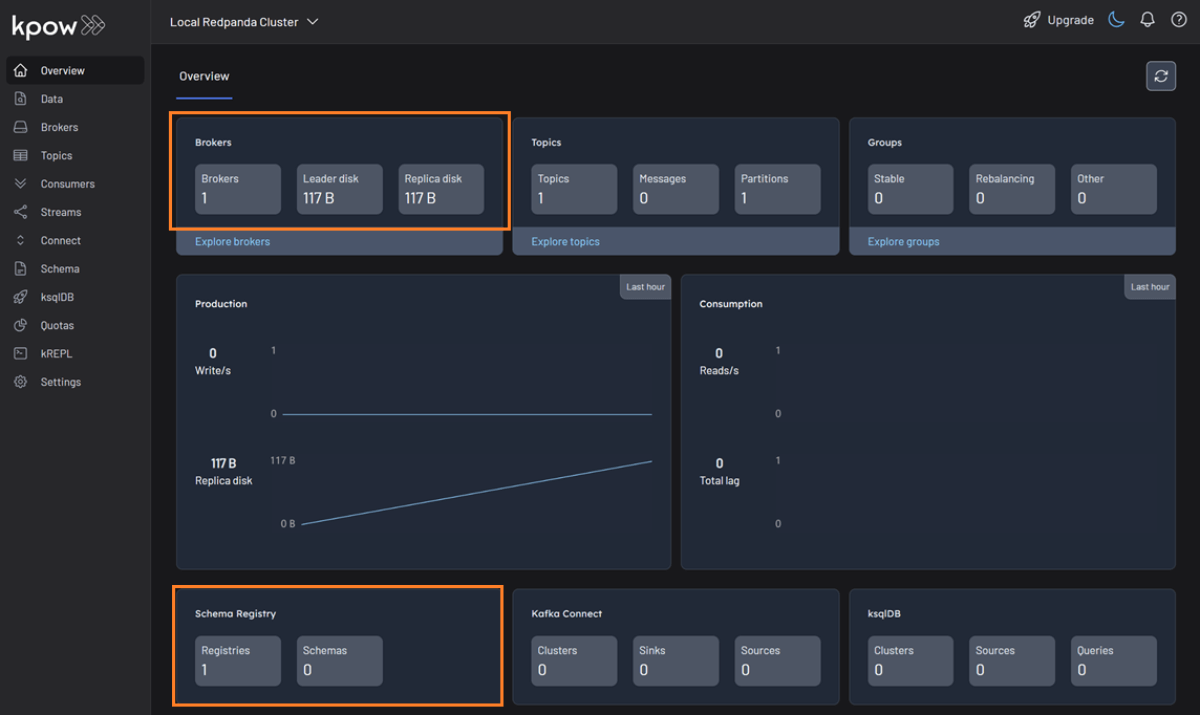
Kpow serves as the perfect engineering toolkit for this environment. Fully compatible with Redpanda out of the box, Kpow connects directly to your Redpanda brokers and its built-in Confluent-compatible Schema Registry using standard Kafka protocols. This delivers a unified, single-pane-of-glass experience without requiring proprietary plugins, sidecars, or complex custom configurations.
Kpow connects natively to a wide range of Kafka vendors and managed service providers. See our Kafka Providers documentation to learn more.
About Factor House
Factor House is a leader in real-time data tooling, empowering engineers with innovative solutions for Apache Kafka® and Apache Flink®.
Our flagship product, Kpow for Apache Kafka, is a Kafka UI for searching, monitoring, and managing Apache Kafka clusters, with role-based access control, data masking, and audit logging for enterprise teams.
Start free with Kpow Community Edition, try Kpow Enterprise for free, or explore our live multi-cluster demo environment to see Kpow in action.
Prerequisites
To follow this guide and connect Kpow to a local Redpanda environment, you must have the following ready:
- Docker: Installed and running on your host machine.
- A Kpow Enterprise License: Try Kpow Enterprise for free to get a trial license.
Quick Start
The fastest way to test Kpow with Redpanda is by spinning up a local development environment using Docker. We will create a shared Docker network, launch a single-node Redpanda cluster with its built-in Schema Registry enabled, and then launch Kpow.
Run the following commands in your terminal. Be sure to replace the license placeholders with your actual Kpow license details:
## 1. Create a dedicated Docker network
docker network create factorhouse

## 2. Start a Redpanda broker with the built-in Schema Registry enabled
docker run -d -p 19092:19092 -p 18081:18081 --name redpanda --hostname redpanda --network factorhouse \
  redpandadata/redpanda:latest redpanda start \
    --kafka-addr internal://0.0.0.0:9092,external://0.0.0.0:19092 \
    --advertise-kafka-addr internal://redpanda:9092,external://localhost:19092 \
    --schema-registry-addr internal://0.0.0.0:8081,external://0.0.0.0:18081 \
    --rpc-addr redpanda:33145 \
    --advertise-rpc-addr redpanda:33145 \
    --mode dev-container

## 3. Start Kpow and connect it to Redpanda
docker run -d -p 3000:3000 --name kpow --network factorhouse \
  --env ENVIRONMENT_NAME="Local Redpanda Cluster" \
  --env BOOTSTRAP="redpanda:9092" \
  --env SCHEMA_REGISTRY_NAME="Local Redpanda Registry" \
  --env SCHEMA_REGISTRY_URL="http://redpanda:8081" \
  --env LICENSE_ID="<LICENSE_ID>" \
  --env LICENSE_CODE="<LICENSE_CODE>" \
  --env LICENSEE="<LICENSEE>" \
  --env LICENSE_EXPIRY="<LICENSE_EXPIRY>" \
  --env LICENSE_SIGNATURE="<LICENSE_SIGNATURE>" \
  factorhouse/kpow:latest
Notes
- License details: The license details can be obtained from your signup email or via the Factor House license portal.
- Authorization configuration: For brevity, Kpow authorization configuration has been omitted. See Simple Access Control to enable necessary user actions.
Once the containers are running, navigate to http://localhost:3000 to access the Kpow UI. Kpow will automatically discover and connect to your Redpanda broker and Schema Registry.
Ecosystem Integration
Redpanda features a built-in Schema Registry that is fully compatible with the Confluent REST API.
To manage your schemas directly within Kpow, simply provide the URL of Redpanda’s integrated schema registry. In our local Docker example, this is exposed on port 8081 within the Docker network.
As demonstrated in the Quick Start command, you connect the registry by appending the following environment variables to your deployment configuration:
  --env SCHEMA_REGISTRY_NAME="Local Redpanda Registry" \
  --env SCHEMA_REGISTRY_URL="http://redpanda:8081"
Once connected, you can use Kpow’s intuitive UI to create subjects, manage schema versions, and automatically deserialize schema-governed topic data (like Avro or Protobuf) without writing any custom code.
Production Deployment
When you are ready to move from a local Docker test to a production deployment (whether against a self-hosted Redpanda cluster or Redpanda Cloud), we recommend the following paths:
Kubernetes
For deploying Kpow to Kubernetes clusters running alongside your Redpanda infrastructure, we recommend using our official Helm Charts.
Bare Metal / VM
If you prefer running Kpow directly on a Virtual Machine, you can download the Kpow JAR file.
Conclusion
Kpow provides a powerful, single pane of glass view into your Redpanda infrastructure. By using standard Kafka protocols, you can unify your Redpanda clusters and Schema Registry environments in minutes, empowering developers to build and debug real-time pipelines effortlessly.
Explore these features in your own environment: try Kpow Enterprise for free.
If you need assistance with your Redpanda integration, reach out to our engineering support team at [email protected].
For the broader context on operating Kafka, see the complete guide to Kafka.